Product
One place for the production sequence.
Arthoff connects the script document with the information needed to execute it in rehearsal and during the show.
The basic unit is a cue placed inside a scene. A cue can represent dialogue, lighting, audio, camera, stage movement, a comment or a timer.
Acts, scenes and cues form one document.
The editor preserves script hierarchy and lets the team work directly in the production sequence.
- Direct title and text editing
- Inspector for the selected cue
- Search by character, act, scene and content
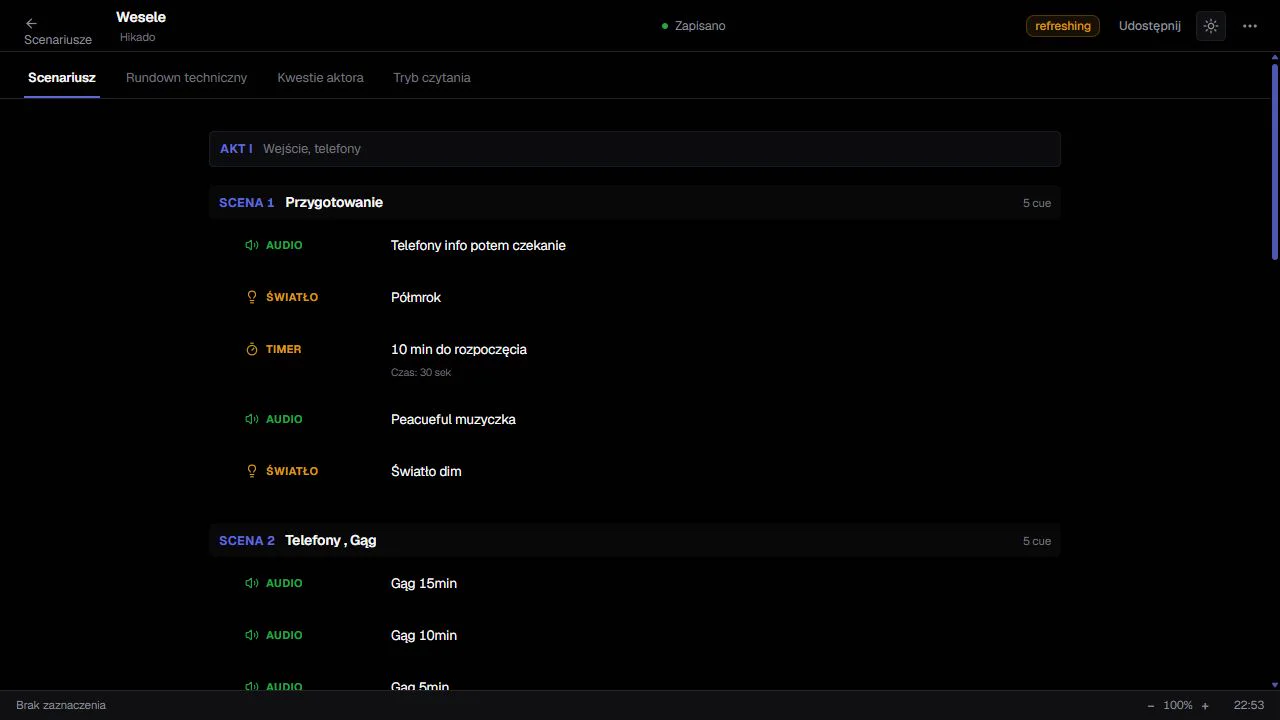
The same script supports several working perspectives.
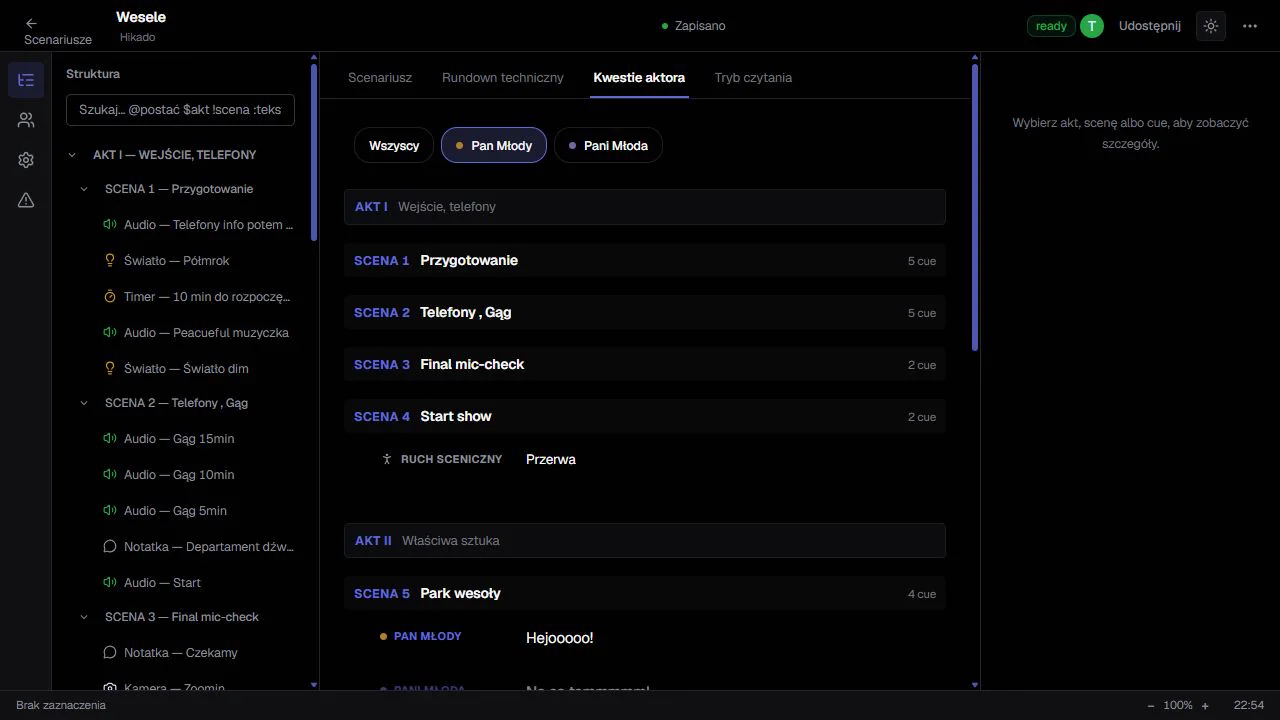
Directors, writers, technical crew, performers and readers use views based on the same data.
- Director and writer views
- Technical rundown with selected columns
- Actor view limited to an assigned character
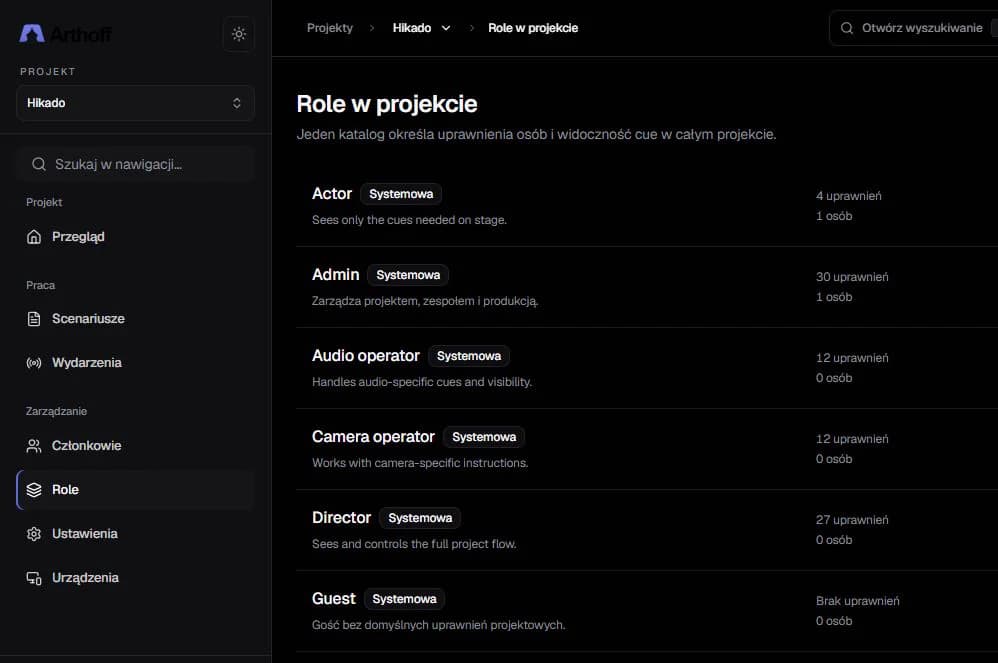
Roles and responsibilities belong to the project.
Members, characters and areas of responsibility remain next to the script they describe.
- Project roles and permissions
- Assign a member to a character
- Responsibility for a script, act, scene or cue
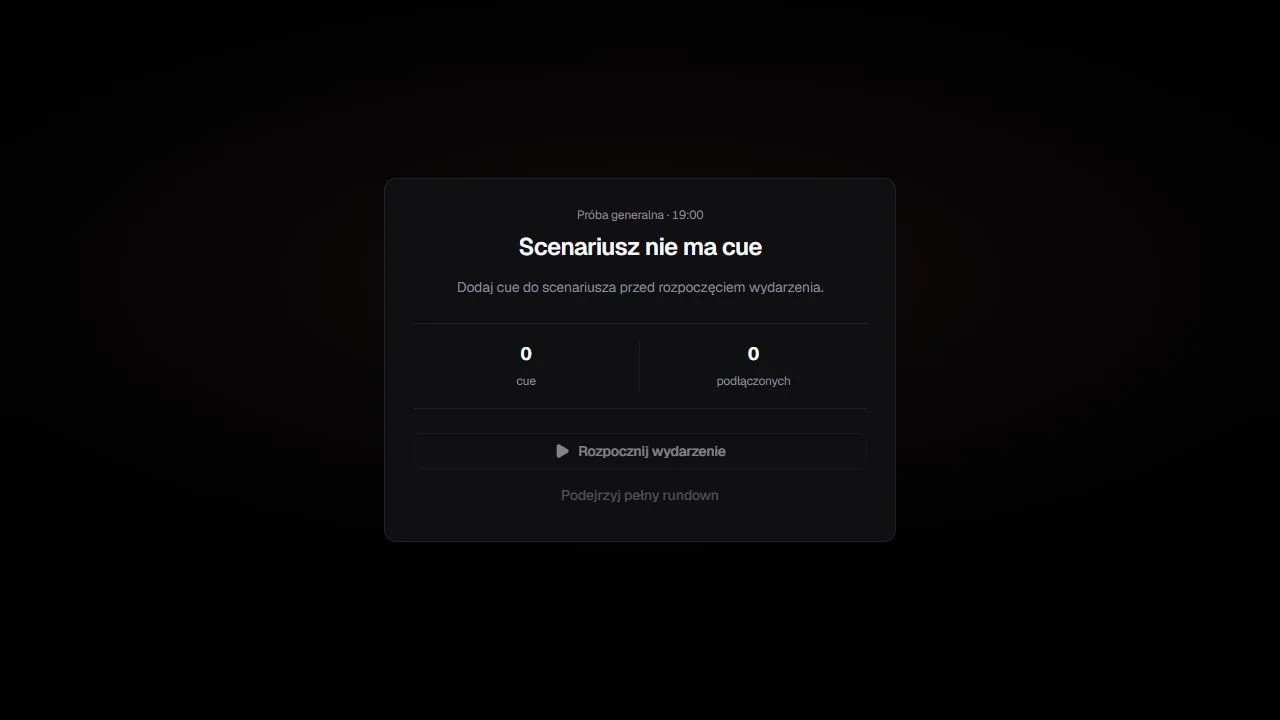
The prepared rundown becomes a live tool.
An event connects the script with its date and participants, while live control moves through each cue.
- Session and connection status
- Previous, current and next cues
- Permission-aware control
Every audience can receive the right scope.
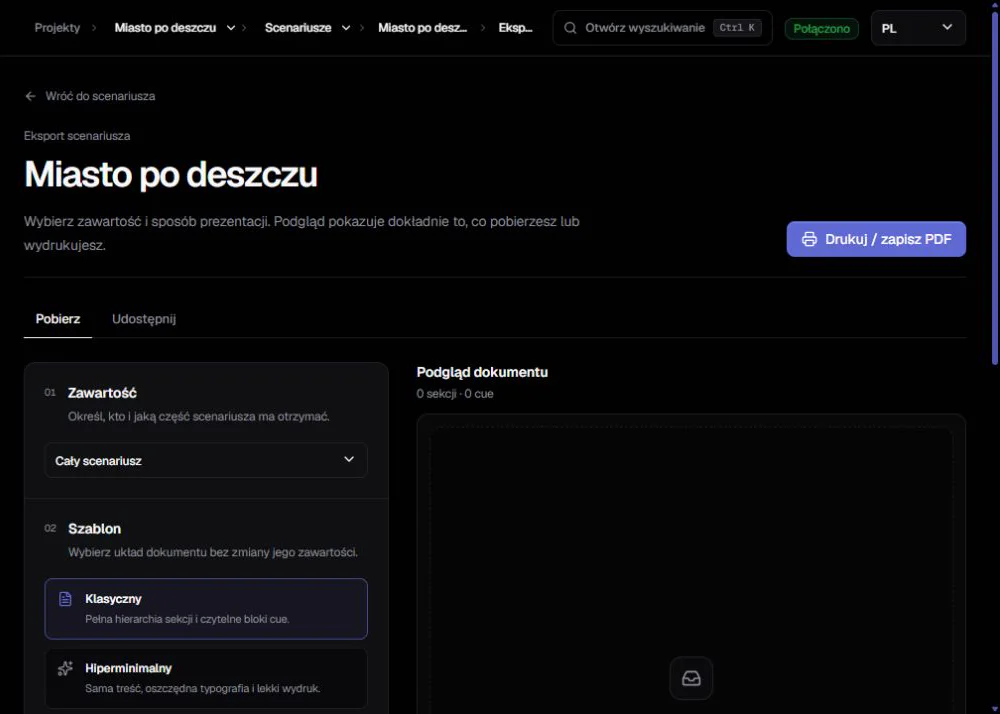
Export and public sharing deliver the script without exposing internal project information.
- HTML, CSV, JSON and print output
- Full script, section, actor lines or department cues
- Public version without private notes
Try this workflow with your own script.
Create an Arthoff project or see how each person works from the shared rundown.